This example shows a typical UX/UI project for a SaaS startup whose product works, but whose dashboard confuses new users, so many sign-ups never reach the point where they see value.
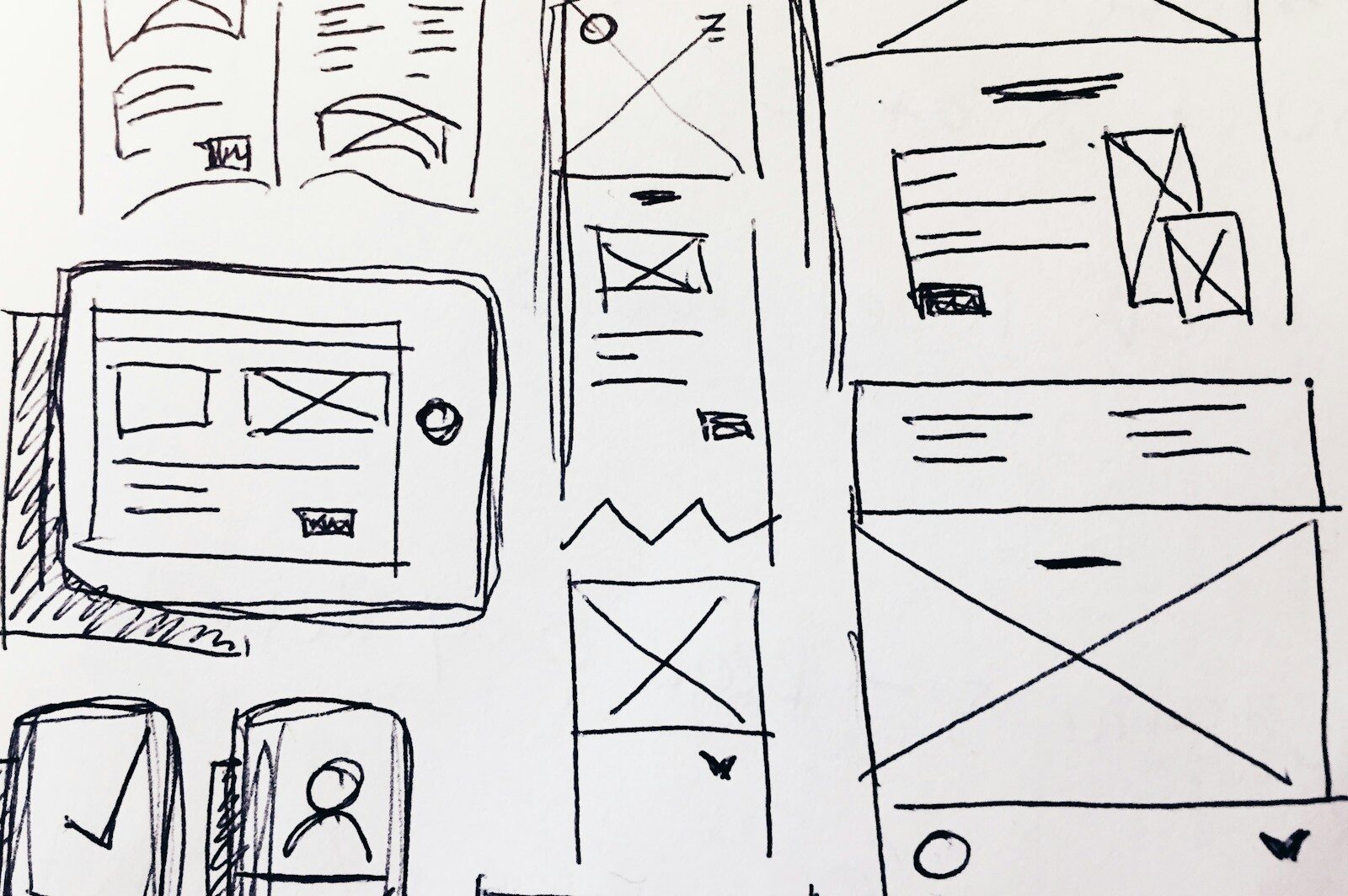
We study how users move through the product, map the key flows, test a clickable prototype and deliver interface designs in Figma that the development team can build from.
Typical challenges
Products often grow feature by feature, and the interface grows with them. New users face too many options at once and contact support for tasks that should be simple.
New users dropping off before they finish setup
Inconsistent screens built by different developers over time
How we approach it
We review analytics and support questions, interview a few users, and map the flows that matter most, such as onboarding and the first key task. Wireframes and a clickable prototype are tested before any visual design.
The final delivery includes high-fidelity screens, a small component library and design specs in Figma, so developers can build consistent screens without guessing.
0
weeks
For one product flow, from research to final designs
User research, user flows, wireframes and high-fidelity interface designs in Figma, with a clickable prototype and design specs your developers can build from.
We build marketing sites, customer portals and dashboards on WordPress and modern JavaScript frameworks. For larger apps we design and hand over to your development team.